

Managing Coffee Subscriptions While Traveling
Table of Contents
- How Coffee Subscriptions Work for Travelers
- How to Pause a Coffee Subscription Before Your Trip
- How to Skip a Coffee Subscription Delivery
- How to Change Your Coffee Subscription Delivery Date
- Shipping Coffee to a Temporary Address While Traveling
- How to Store Coffee Beans While Traveling
- Managing Your Subscription Across Time Zones and Limited Connectivity
- Travel Checklist for Your Coffee Subscription
- Frequently Asked Questions
Last Updated: October 11, 2026
How Coffee Subscriptions Work for Travelers
Managing coffee subscriptions while traveling doesn't require canceling your service or missing out on fresh coffee.
Most coffee subscription services let you pause, skip, adjust delivery dates, and update addresses from your customer account. The key is understanding these controls before your trip starts.
Most subscriptions offer automatic deliveries, pause/skip options, address changes, and flexible billing. The advantage for travelers is flexibility: you won't have stale coffee piling up while away, and you don't restart when you return.
How to Pause a Coffee Subscription Before Your Trip
Pausing stops deliveries without canceling. Most services let you pause for weeks or months, and your subscription resumes exactly where it left off.
To pause a coffee subscription:
- Log into your customer account on the coffee service website
- Find the subscription or billing section
- Look for "Pause Subscription" or "Pause Deliveries"
- Select the pause duration (usually in 1-week or 1-month increments)
- Confirm the pause date
- Check your email for confirmation
The pause takes effect before your next billing cycle, with no charges while paused. Pausing works best for trips longer than 2-3 weeks with known dates.
How to Skip a Coffee Subscription Delivery
Skipping a single delivery works well for shorter trips. You're charged nothing, and your subscription resumes on the next scheduled date.
To skip a coffee subscription delivery:
- Open your customer account
- Navigate to "My Subscriptions" or "Upcoming Deliveries"
- Find the delivery you want to skip
- Click "Skip This Delivery" or similar option
- Confirm the skip
The skipped delivery is removed from your schedule. You can skip multiple deliveries if needed. Skipping works best for trips of 1-4 weeks; for longer trips, pausing is cleaner.
How to Change Your Coffee Subscription Delivery Date
Adjusting your delivery date shifts when coffee arrives without pausing. Most services let you move the date within the same month or next month in 2-3 minutes:
- Log into your customer account
- Select "Manage Subscription" or "Delivery Settings"
- Look for "Change Delivery Date" or "Adjust Schedule"
- Pick a new date that works for your travel timeline
- Save the change
Your billing cycle adjusts to match the new date. This works well if you're home part of your trip, move delivery earlier so it arrives before you leave.
Shipping Coffee to a Temporary Address While Traveling
Shipping to a temporary address requires careful timing. The biggest risk is a package arriving before you depart, after you leave, or at an address that can't receive it.
To ship coffee to a temporary address:
- Identify your exact arrival and departure dates at the temporary location
- Calculate the roaster's processing time (typically 2-5 business days) plus shipping time (2-7 days depending on distance)
- Log into your customer account at least 7-10 days before your next scheduled delivery
- Update your shipping address to the temporary location
- Verify the address is correct and can receive packages (hotels, Airbnbs, and rental properties have different policies)
- Confirm the new delivery date aligns with your stay
Roasted-to-order beans are fresher but require precise timing when shipping to a temporary address.
Timing scenarios to consider:
- Hotel delivery: Confirm with the front desk first. Delivery 2-3 days after arrival is safest.
- Airbnb or short-term rental: Check the listing's package policy and contact the host before updating your address.
- Friend or family address: The safest option. Confirm they'll be home and can store it properly.
- Mail forwarding services: Adds cost and delays but works for extended trips.
International travel and cross-border shipping:
Many services don't ship internationally, or customs delays add 1-3 weeks and damage freshness. Check your service's policy, confirm the destination is approved, and factor in 3-7 business days for customs.
If delivery timing doesn't align, pause your subscription for the trip, skip the delivery during travel, or change the delivery date to before departure or after return.
How to Store Coffee Beans While Traveling
Coffee stays fresh 2-4 weeks after roasting if stored properly. Use an airtight container in a cool, dark place away from sunlight and strong odors. Don't refrigerate or freeze; temperature changes cause condensation.
If your coffee arrives before you travel, you have options:
- Ask a friend or family member to store it until you return
- Keep it sealed in your home in a cool, dark spot
- Pack it in your luggage if you're flying (coffee is allowed in carry-on and checked bags)
Cassien Alan Coffee's roasted-to-order model means your beans are fresher when they arrive than coffee sitting in warehouses for months. This freshness lasts longer if stored correctly, even in less-than-ideal travel conditions.
Managing Your Subscription Across Time Zones and Limited Connectivity
Billing and payment timing while traveling:
Understand the difference between your billing date and your delivery date:
- Billing date: The day your subscription charges your payment method (usually the same day each month or on a schedule you set)
- Delivery date: The day your coffee ships from the roaster (typically 2-5 days after billing)
These are not always the same day. Your subscription may charge you on the 15th of each month, but your coffee ships on the 18th and arrives on the 22nd.
Payment issues to watch for while traveling:
-
Card expiration: If your credit or debit card expires while you're traveling, your subscription will fail to charge and your delivery will be skipped. Update your payment method at least 2 weeks before travel if your card expires during your trip.
-
International transaction blocks: Many banks flag charges from foreign merchants as fraud. If your subscription service is based in a different country than your bank, your payment may be declined. Contact your bank before traveling to notify them of your trip dates and confirm they won't block the charge.
-
Currency conversion and fees: If your subscription service charges in a different currency than your home country, you may see unexpected fees or exchange rate fluctuations. Check your billing statement after your first charge while traveling to understand the total cost.
-
Address mismatch: Some payment processors decline charges if your billing address (on file with your bank) doesn't match your current location. Your subscription's billing address should remain your home address, not your temporary travel address. Keep your billing address unchanged.
Steps to secure your subscription before traveling:
- Log into your customer account 2-3 weeks before departure
- Review your upcoming billing and delivery dates
- Check your payment method expiration date; update it if it expires during your trip
- Confirm your billing address is your permanent home address, not a temporary location
- Contact your bank and notify them of your travel dates and destinations
- Take a screenshot of your billing settings and upcoming charge dates
- Save your subscription service's customer support email and phone number
Managing your account across time zones:
Your subscription's billing cycle stays on the original time zone (usually your home time zone). Delivery dates don't shift with time zones; they're calendar dates. You can manage your account from any time zone, but plan changes before you travel:
- Make subscription changes (pauses, skips, address updates) while you have a strong internet connection
- Screenshot your account settings and upcoming delivery dates
- Use your phone's mobile data to access your account if needed
- Contact customer support via email if you can't access the website; response times may be slower while traveling
Most coffee subscription services send email confirmations for every change you make. Save these emails so you have proof of pauses, skips, address changes, or payment updates even if you lose internet access.
Travel Checklist for Your Coffee Subscription
Use this checklist 1-2 weeks before your trip to ensure your coffee subscription is set up correctly:
| Task | Timing | Status |
|---|---|---|
| Log into your customer account and test navigation | 2 weeks before | ☐ |
| Review your upcoming delivery dates | 2 weeks before | ☐ |
| Decide: pause, skip, or change address | 10 days before | ☐ |
| Update your shipping address if traveling | 7 days before | ☐ |
| Confirm the new delivery date or pause date | 5 days before | ☐ |
| Screenshot your account settings and upcoming deliveries | 3 days before | ☐ |
| Check email for confirmation of all changes | 2 days before | ☐ |
| Pack coffee or arrange storage if needed | 1 day before | ☐ |
| Set a phone reminder to resume subscription after travel | At departure | ☐ |
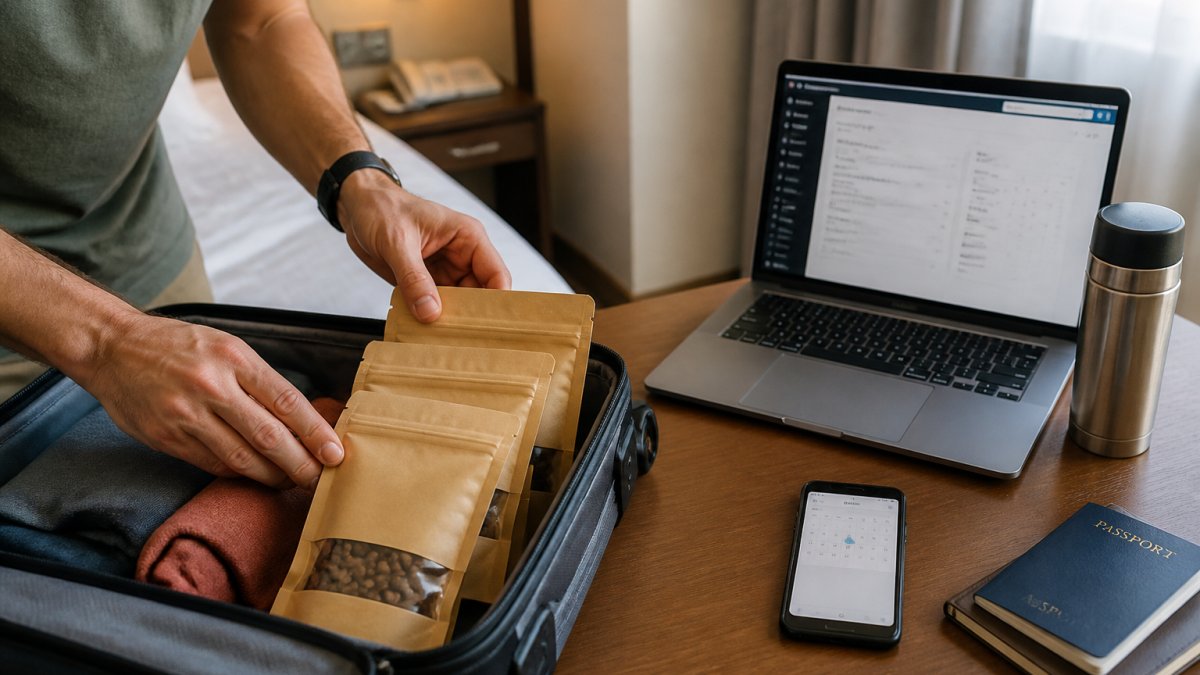
The most important step is testing your account access before you travel. Spending 10 minutes now prevents scrambling to pause your subscription when you're already on the road.
For coffee enthusiasts who travel frequently, managing a subscription while away is straightforward once you know the controls.
Frequently Asked Questions
Can I pause my coffee subscription while I'm traveling?
Yes. Most coffee subscription services, including Cassien Alan Coffee, allow you to pause your subscription through your customer account. Pausing temporarily stops recurring orders without canceling your subscription. You can resume whenever you return home. This is ideal for trips lasting a few weeks where you want to avoid coffee piling up. Access your account settings, find the pause option, and set your return date.
How do I skip a coffee subscription delivery?
Skipping a single delivery is faster than pausing if you're away for just one billing cycle. Log into your customer portal, locate your next order, and select 'skip' before the order cutoff date. Your subscription resumes with the following delivery. This keeps your subscription active while preventing unwanted shipments during your absence.
What's the best way to store coffee beans while traveling?
Store coffee beans in an airtight container away from light, heat, and moisture. If you're carrying beans in your luggage, use a resealable pouch or small airtight container. Whole bean coffee stays fresher longer than ground coffee. Keep beans in a cool spot in your accommodation, away from direct sunlight and kitchen heat. Single-serve capsules, like Cassien Alan's 12 Pack or 60 Pack, are sealed with no oxygen inside, making them ideal for travel since they maintain freshness without special storage.
Can I change my coffee subscription delivery date before traveling?
Yes. Most subscriptions allow you to adjust your delivery date through your account settings or by contacting customer support. Change your delivery schedule to align with your travel dates, or coordinate with a mail hold service if you're using a home address. Some services let you modify the delivery date up to a certain number of days before the order cutoff, so check your subscription preferences early.
Managing a coffee subscription while traveling works best when you plan ahead. Test your account controls before you leave, decide whether to pause or skip deliveries based on your trip length, and update your address if coffee is shipping to a temporary location. Cassien Alan Coffee makes it easy to adjust your subscription from anywhere, so you never miss fresh coffee or waste deliveries. Start your subscription today and customize your delivery schedule to match your lifestyle.